
More (settings)
Safety acknowledgement
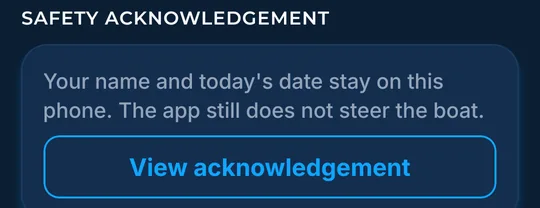
Read the safety page you agreed to, saved on this phone.
What it shows
See The Bite is a planning aid. It does not steer the boat. The safety acknowledgement you accepted is saved on this phone.
How to find it
- In More, find the Safety acknowledgement card.
How to use it
- Tap View acknowledgement to read the safety page saved on this phone.
- Your name and the date stay on this phone.
In the app tour
Tour step 63 of 67 · More (settings) · Safety acknowledgement
Tap View acknowledgement to read the safety page saved on this phone.
See this step in the full tutorial →
Related
Every layer is included
One subscription opens every layer and feature. Founders get the first year for $80. See ordering and prices or give a year as a gift.
App Store coming soonGoogle Play coming soon
See The Bite is coming to the App Store and Google Play. The store links are not live yet.