
Where you are (GPS boat dot)
Your boat on the chart, with bearing and ETA to the next stop.
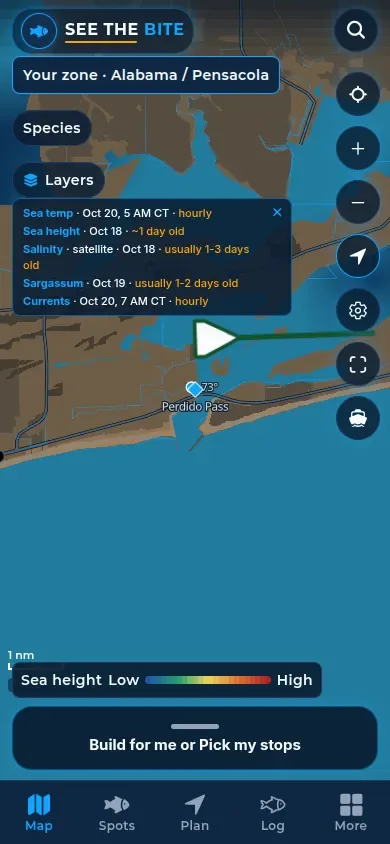
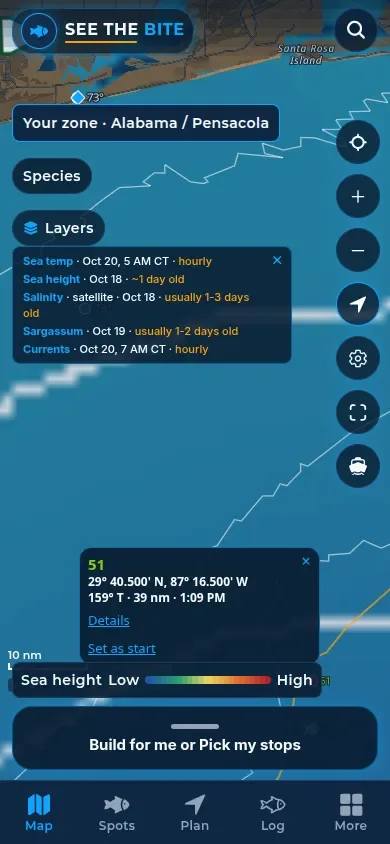
What it shows
Your boat shows on the chart as a dot. While you are moving, the bow (the front of the boat mark) points along your course. When you are stopped, the dot has no bow.
How to find it
- Tap Show where I am on the right side of the Map.
- Allow location to drop your boat on the chart.
- Tap Not now to leave the prompt.
How to use it
- Bearing and ETA for the next stop use your GPS fix, or your cruise speed if you are going slow.
- Location is used only while the app is open, and only if you allow it.
In the app tour
Tour step 45 of 67 · Boat & export · Where you are
Tap Show where I am. Allow location to drop your boat on the chart. The bow points along your course while you are moving, and the dot has no bow when you are stopped. Bearing and ETA for the next stop use that fix, or cruise speed if you are slow. Tap Not now to leave the prompt.
See this step in the full tutorial →
Related
Every layer is included
One subscription opens every layer and feature. Founders get the first year for $80. See ordering and prices or give a year as a gift.
See The Bite is coming to the App Store and Google Play. The store links are not live yet.