
More (settings)
Rate and support
Leave a rating, or send a note to support from inside the app.
What it shows
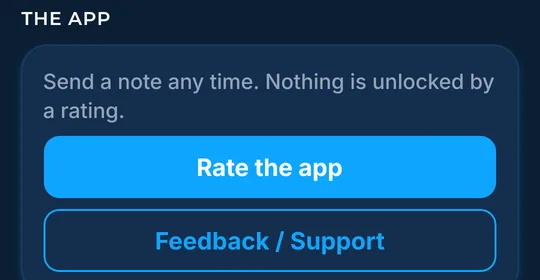
The app card in More has two buttons: one to rate the app and one to send a note.
How to find it
- In More, find The app card.
How to use it
- Tap Rate the app to leave a rating. Nothing is unlocked by a rating.
- Tap Feedback / Support to send a note. It opens a message in your mail app.
- More ways to get help are on the Support page.
In the app tour
Tour step 65 of 67 · More (settings) · Rate and support
Tap Rate the app to leave a rating. Tap Feedback / Support to send a note.
See this step in the full tutorial →
Related
Every layer is included
One subscription opens every layer and feature. Founders get the first year for $80. See ordering and prices or give a year as a gift.
App Store coming soonGoogle Play coming soon
See The Bite is coming to the App Store and Google Play. The store links are not live yet.